Virtual hair color try-on guided by your seasonal color palette
Looking for a virtual hair color try on tool that matches my seasonal color palette is really a search for fit—not endless random swatches. Tone & Fit starts with your undertone, value, and chroma, then points hair-color families toward shades that sit in the same temperature, depth, and intensity range as your season.
Free color analysis scan. No account required to start.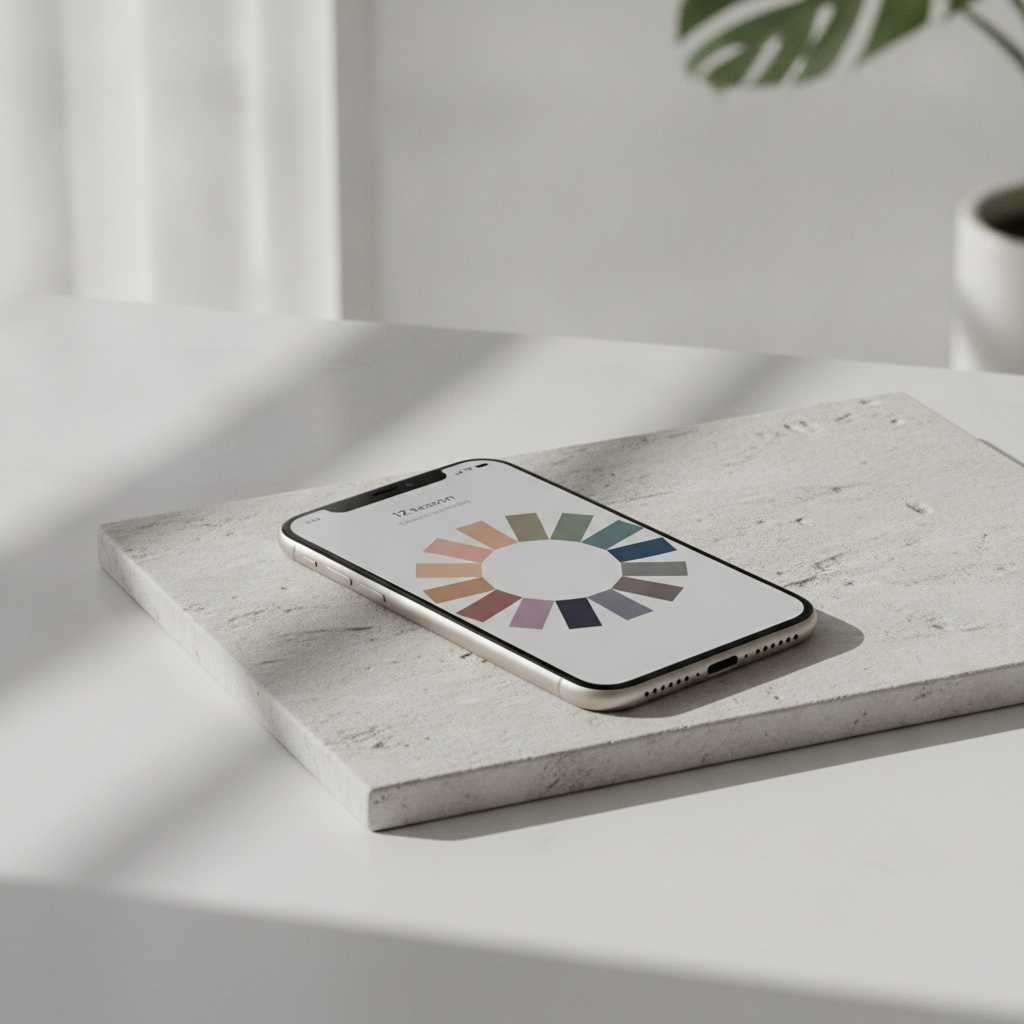
Why season match matters before you try on hair color
Hair dye looks different on every person because skin undertone, overall contrast, and chroma change how a shade reads in real light. A seasonal color palette gives you a structured filter: warm versus cool temperature, light-to-deep depth, and soft-to-bright intensity. Tone & Fit uses a pro-grade 12-season system—not a four-season quiz—so hair-color shortlists can follow the same three pillars used for wardrobe and makeup guidance.
Undertone
Warm, cool, or neutral lean that steers gold-leaning brunettes, ash blondes, copper reds, and cool blacks away from clashing temperature.
Value (depth)
How light or deep your coloring reads, so try-on families stay near a realistic depth jump instead of jumping multiple levels without context.
Chroma (intensity)
Soft, muted, or bright clarity that separates dusty mushroom browns from high-shine jewel tones and keeps intensity intentional.
What Tone & Fit gives you for hair color decisions
Tone & Fit is an AI personal color analysis app for iPhone. After a selfie-based season read, you get a personal palette and recommendations that include hair color guidance—so virtual try-on exploration stays anchored to your season instead of a generic shade wall.
12-season match from one selfie
Computer vision measures undertone, value, and chroma, then matches one of twelve seasons with a personal palette of shades that suit you.
Hair color analyzer and makeup guide
Use season-aware hair and makeup direction alongside power shades and colors to avoid, so shortlists stay coherent across face and hair.
Color draping on your own photo
Drape all twelve palettes on your photo to compare how related families sit against your skin before you narrow hair-color options.
AI Hair Studio (premium)
Explore a large library of hairstyles and hair colors inside the app when you want broader visual experimentation after you know your season.
Free web color analysis tool
Run a browser-based season read with lighting correction and CIELAB-based depth, undertone, and contrast measurement—no account required.
Privacy-minded scan
Your photo is analyzed by AI and immediately discarded—never stored on servers, never used to train models, never shared with advertisers.
From photo to season-matched hair shortlist
Capture or upload a clear portrait
Use even lighting and an unobstructed face and hairline. Works as a starting point across skin tones, curly or straight textures, natural color, previously dyed hair, and greying hair.
Get your season and palette
Tone & Fit returns your 12-season match plus starter colors. If you only know a broad season or undertone, use that as a temporary filter until a full subtype result is available.
Filter hair-color families
Keep families that agree with your season tags; set aside families that fight your undertone or jump too far in depth or chroma for the change range you want.
Compare visuals, then decide offline
Use previews and palette context to build a shortlist for salon talk or box-dye research. Treat simulations as comparison aids, not a final dye prescription.
Who this path helps
First-time color change
You want a subtle shift and need season-safe families before booking a consultation.
Correcting a harsh dye
A past color feels brassy or flat; you need temperature and intensity language to course-correct.
Greying or blending
You are exploring softer blends, cooler ash, or warmer dimension that still respects your undertone.
Texture-inclusive planning
Coily, curly, wavy, and straight hair all reflect light differently—season filters still guide family choice while your stylist adapts application.
Men’s hair and beard color
The same undertone, value, and chroma logic supports hair and beard shade exploration without relabeling women’s advice.
Wardrobe-aligned hair
You already wear your palette and want hair color that does not fight your best metals, lip shades, or outfit formulas.
What a preview can and cannot promise
A virtual hair color preview is a planning aid. It does not identify a single perfect shade, accurately predict salon or box-dye results, permanently change your original photo, or guarantee a flattering outcome on every screen.
Factors that change real results:
- • Lighting in the original photo and viewing room
- • Camera processing and screen color display
- • Starting hair color and chemical treatments
- • Hair condition, porosity, and application method
- • Depth or intensity jump in one step
Illustrative Palette Samples:
These are illustrative palette samples for relative comparison, not try-on results.
Inclusive note: Examples and guidance should assume a wide range of skin tones, hair textures, natural colors, dyed hair, and greying hair. Season fit is about relative temperature, depth, and chroma—not one ideal face type.
Use simulations to create a shortlist for further comparison rather than as a prediction of the final dyed result.
Tool path versus how-to reading
Educational guides teach you how to reason about seasonal hair color and build a shortlist in words. Tone & Fit’s product path is different: it generates your season from a photo, surfaces palette-led recommendations, and supports visual comparison so you can act on that shortlist. Use both if you want theory and a concrete next step—this page focuses on the product path and conversion actions.
Common questions
Know your season, then shortlist hair color with confidence
Run a free Tone & Fit color analysis to read undertone, value, and chroma. Take your season into hair-color exploration, build a shade-family shortlist, and download the app when you want deeper palette tools and AI Hair Studio options.
Previews and palettes support comparison. They do not guarantee salon results or replace professional advice for chemical services.