

Cool Winter

Cool Winter Color Palette:
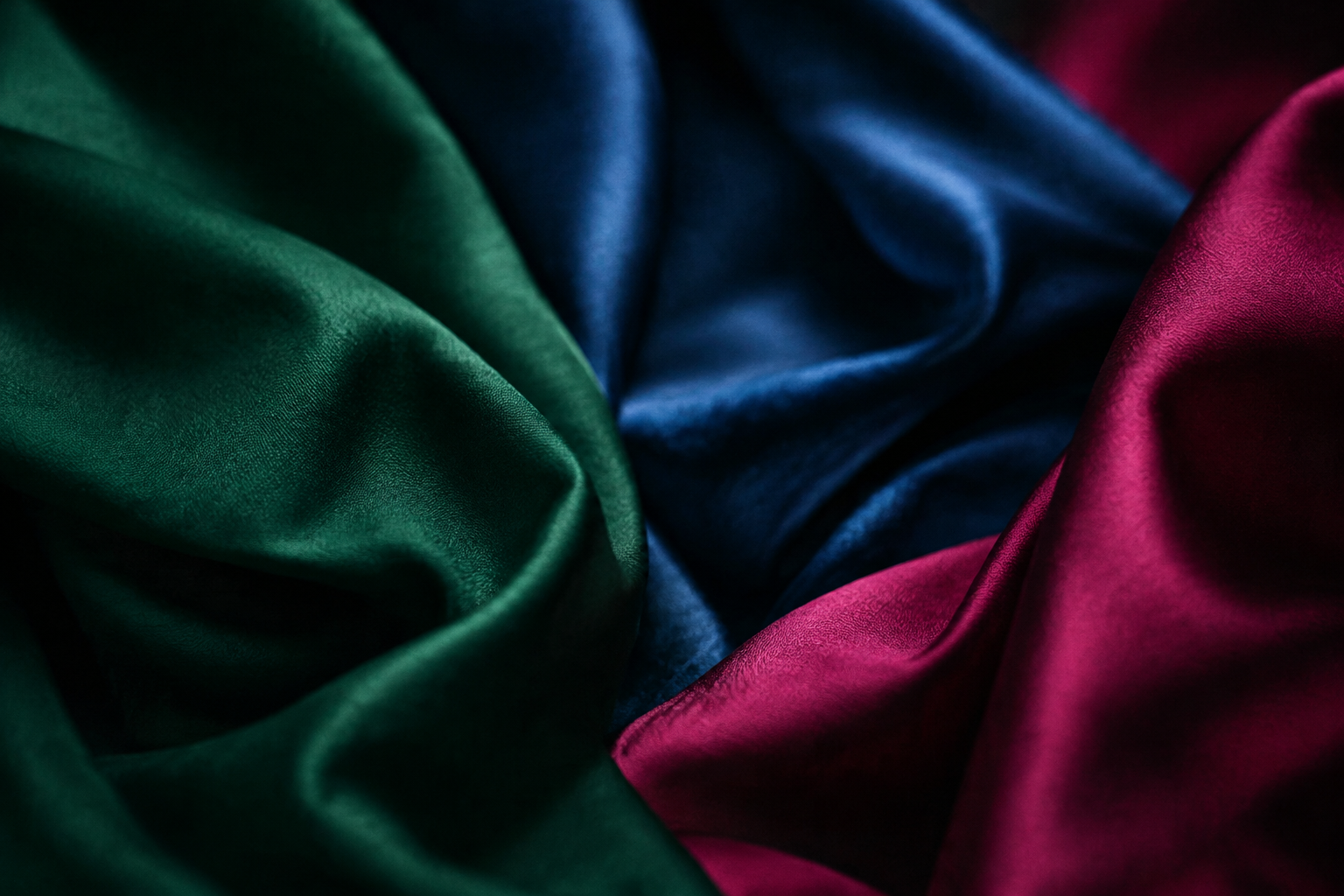
Cool Jewel Tones and How to Wear Them

Cool Winter is the fully cool, high-contrast member of the Winter family. This guide shows you how to recognize it, how to check a fabric or paint chip by eye without any tool, and how to build a sharp, cool look around it.

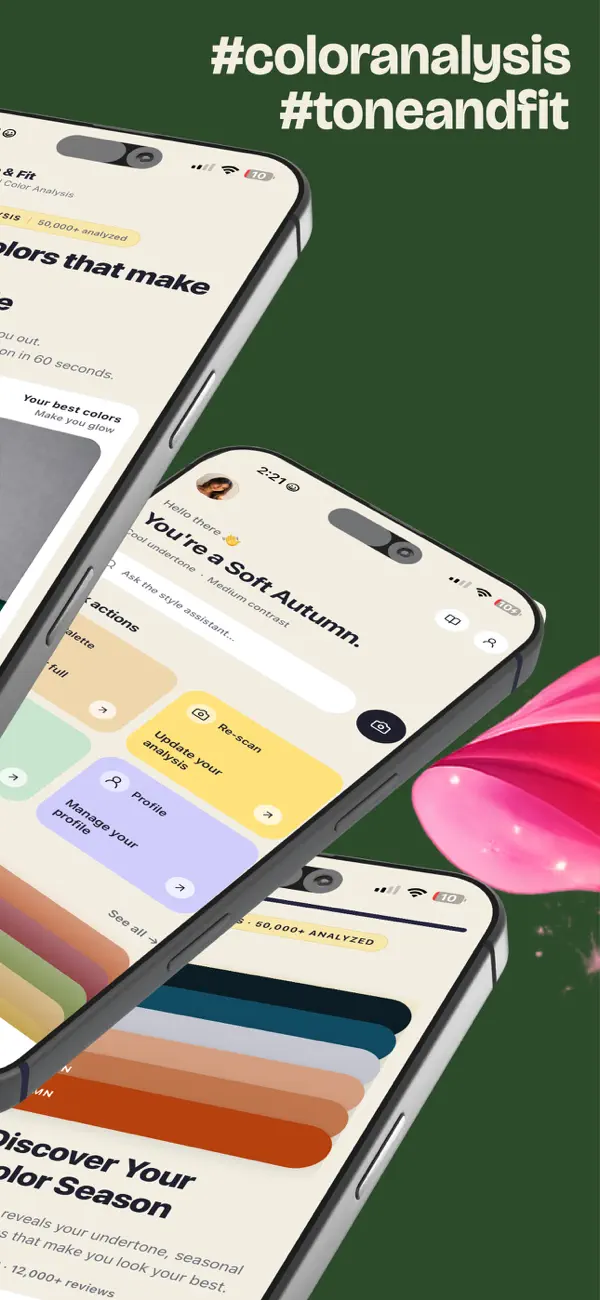
Tone & Fit app screen
Step 01

Take one selfie

Step 02

The app reads undertone, value, and chroma

Step 03

Get your season and palette

"One selfie. About 30 seconds. No account."

What makes a color read as Cool Winter

Cool Winter sits in the Winter family, which is cool-based. Three things define it:

  • Undertone: A fully cool, blue-based undertone.
  • Contrast: High contrast between light and dark.
  • Chroma: High chroma, so colors look clear and saturated rather than muted.
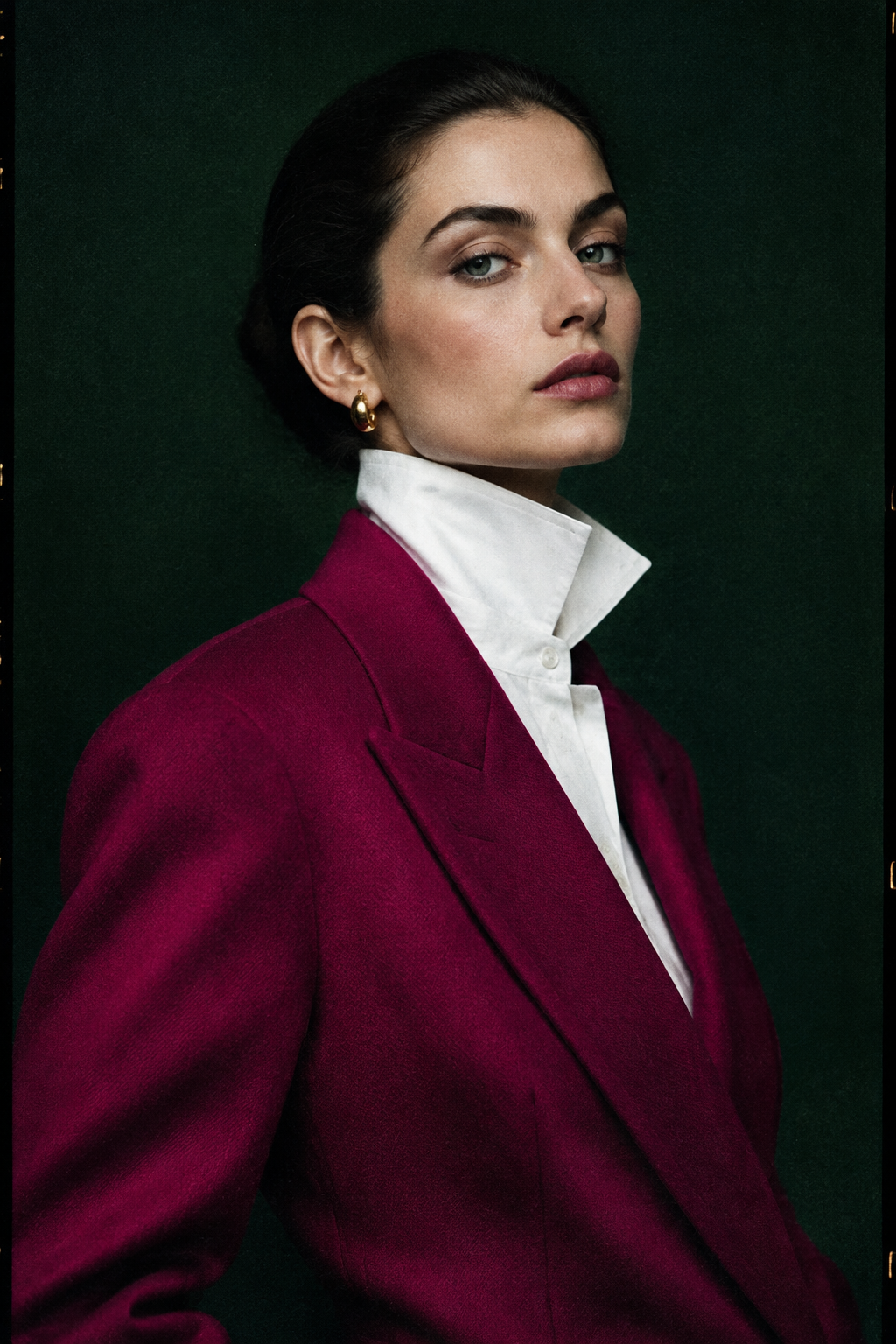
Editorial fashion portrait for Cool Winter

Cool Winter next to Deep Winter and Bright Winter

Cool Winter

Fully cool undertone, high chroma, high contrast, clear and saturated.

Choose it when clear, cool colors look right and you want high contrast without extra depth.

Deep Winter

Same cool family, deeper in value, slightly warmer-neutral.

Choose it when you need deeper, heavier colors that still stay cool-based.

See the Deep Winter palette

Bright Winter

Same cool family, brighter and more electric than Cool Winter.

Choose it when you want brighter, more electric colors and light-to-dark contrast in the same family.

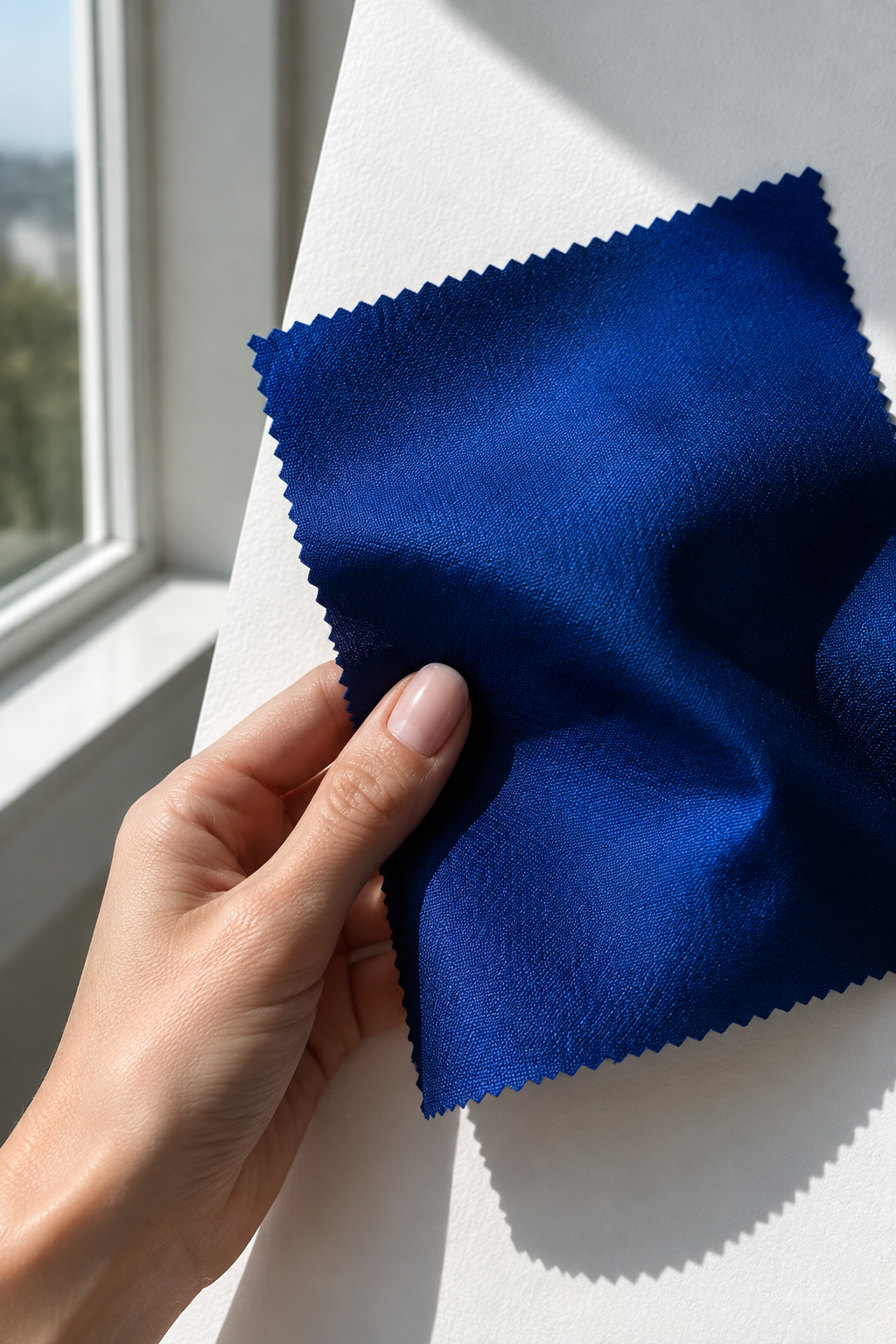
Checking fabric swatch against daylight

How to check a fabric or paint chip against Cool Winter, step by step

01

Find a window with daylight. Avoid direct sun and warm indoor bulbs.

02

Hold the fabric or paint chip beside a plain white sheet of paper, then beside your bare face or the sheet of paper alone.

03

Ask whether the color looks clear and lifts your complexion, or looks dull, grey, or sallow.

04

Ask whether the color sits cool-based, with a blue or pink edge, rather than yellow or golden.

05

If it lifts you and reads cool, it belongs in the Cool Winter family. If it looks deeper and heavier, compare it with Deep Winter.

Repeat the check with two or three shades side by side. The one that makes your skin look most even and clear is the strongest candidate.

Browse the seasonal palettes

Outfit pairings that keep the look cool and clear

Build outfits from one clear anchor color and one clean neutral. Three pairings to start with:

Crisp white and jewel tone

Crisp white with a clear jewel tone

A white shirt and a deep, saturated jewel-toned skirt or trousers.

Cool Grey & Bright

Cool grey with a bright accent

A cool grey knit with a single clear, saturated scarf or top.

Navy & Cool Red

Deep navy with a cool red or magenta

A navy suit or dress with a clean, bright accent at the neckline or in a tie.

Keep neutrals cool-based. Warm camel or golden browns tend to soften the look.

Four steps to a sharp Cool Winter outfit

Step 01

Clean Base

Start with a clean base in crisp white, cool grey, or deep navy.

Step 02

Jewel Anchor

Add one jewel-toned anchor that reads cool and clear.

Step 03

Strong Contrast

Keep contrast strong between the top and the bottom.

Step 04

Cool Finish

Finish with simple accessories in a cool-based metal or a plain finish.

If the outfit looks washed out, swap the lightest piece for a crisper white or a deeper cool neutral.

See Cool Winter against your own face in the app

The Tone & Fit app includes Color Draping, which drapes all 12 palettes over your own photo so you can compare neighboring seasons before you choose. Color Draping is part of the paid premium unlock.

Download on the App Store
Tone & Fit app draping feature

Common questions about Cool Winter

How is Cool Winter different from Deep Winter?

Both are cool-based. Deep Winter is deeper and slightly warmer-neutral. Cool Winter is cooler and clearer, with higher chroma.

Can I check my season without an account?

Yes. The free web tool at toneandfit.app runs in your browser with no account. It processes your photo in memory and does not store it.

What if I fall between Cool Winter and a neighboring season?

Compare the two side by side with the check in Section 3 and, in the app, with Color Draping on your own photo.

Is the app free to use?

The free scan gives your season and a palette preview with no account. Premium features are a separate paid unlock in the App Store.

Find your season and see your Cool Winter palette

One selfie gives you your exact season in about 30 seconds. Start with the free web tool or download the app for your full palette.

Free scan available. No account required.

Check a color against your season