Quick answers
A photo-based tool can read your season direction from one clear selfie, but it sees color values, not fabric, so the result is an estimate worth checking rather than a verdict to accept blindly.
- Can an app tell your color season from a selfie? Often yes, if your face is evenly lit, bare, and unfiltered.
- What does it measure? Undertone (warm or cool), value (light or deep), and chroma (muted or bright).
- What can flip the result? Colored indoor light, phone white balance, beauty filters, tan lines, dyed hair, and strong makeup.
- How accurate is it? No photo tool can promise a number. A season plus a confidence score is a starting hypothesis, not a lab result.
- Does it replace a consultant? No. In-person draping tests real fabric under controlled light with a trained eye.
- Does it work for men? Yes. The same three measurements apply to suits, shirts, ties, denim, and beard color.
What a selfie-based app actually measures
A selfie app measures three things professional analysts use: undertone, value, and chroma.
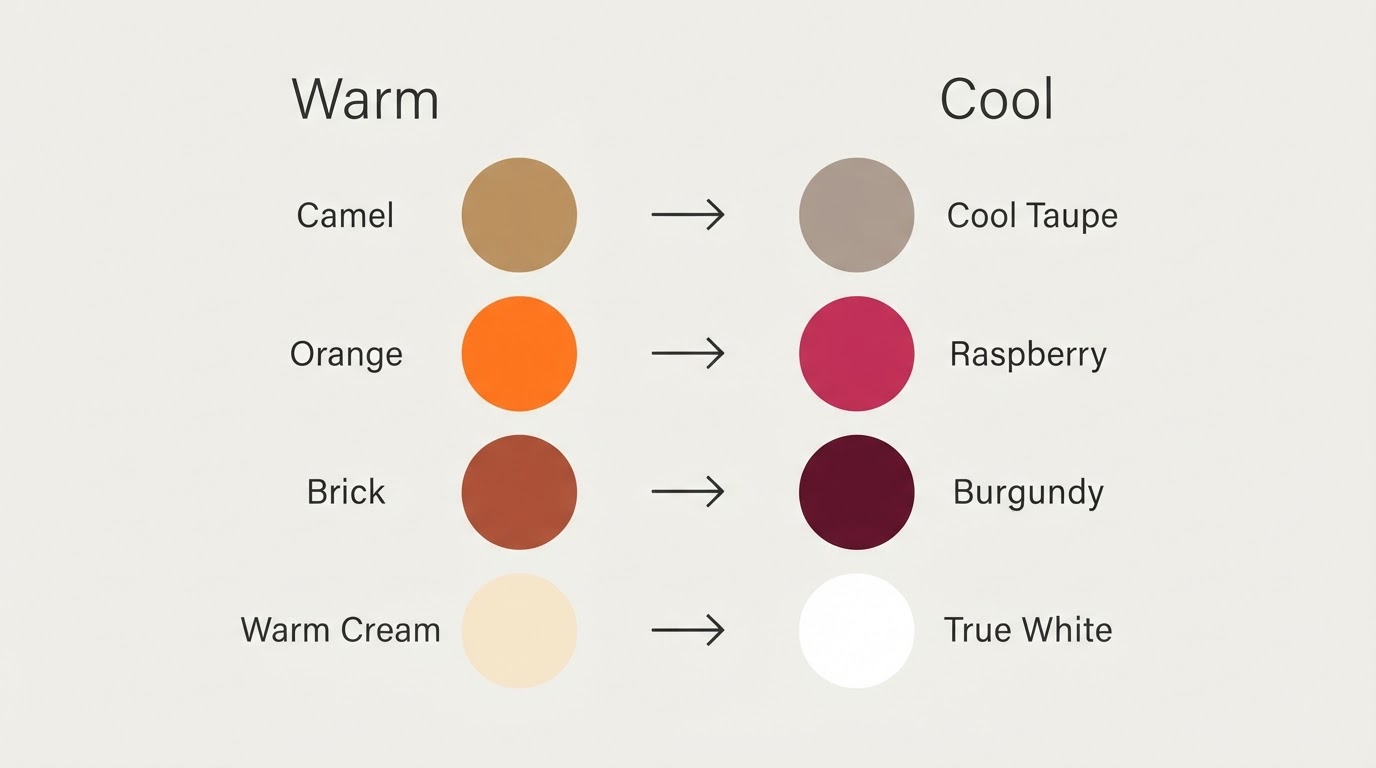
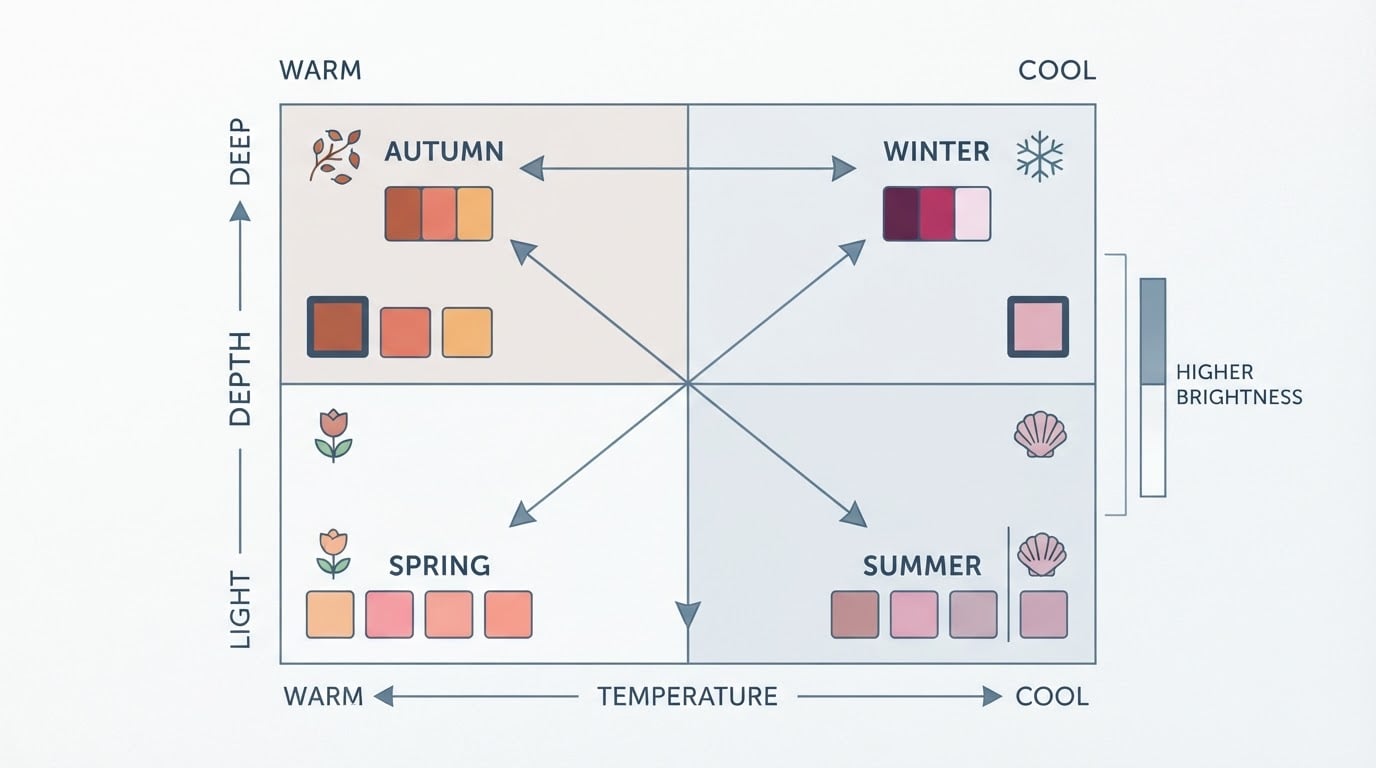
Undertone is the warm-to-cool direction of your skin, the difference between a golden lean and a pink or blue lean. Value describes how light or deep your natural coloring is. Chroma describes how muted or bright it reads. Together, those three qualities narrow you to a season family (spring, summer, autumn, or winter) and then to one of three sub-seasons inside it.
That 12-season split is why two people who both look warm can end up with different palettes. The app is not matching you to a mood or a vibe; it compares measured skin values against reference palettes and chooses the nearest fit.
The measurement itself follows a clear path. The tool finds the skin pixels in your photo, corrects for the light as well as it can, and places those pixel values in a color space designed to describe human-visible color. That is real measurement, but it is measurement from a narrow input.
How the 30-second verdict works
Photo analysis is fast because it skips the questionnaire: one photo in, a season and a confidence score out.
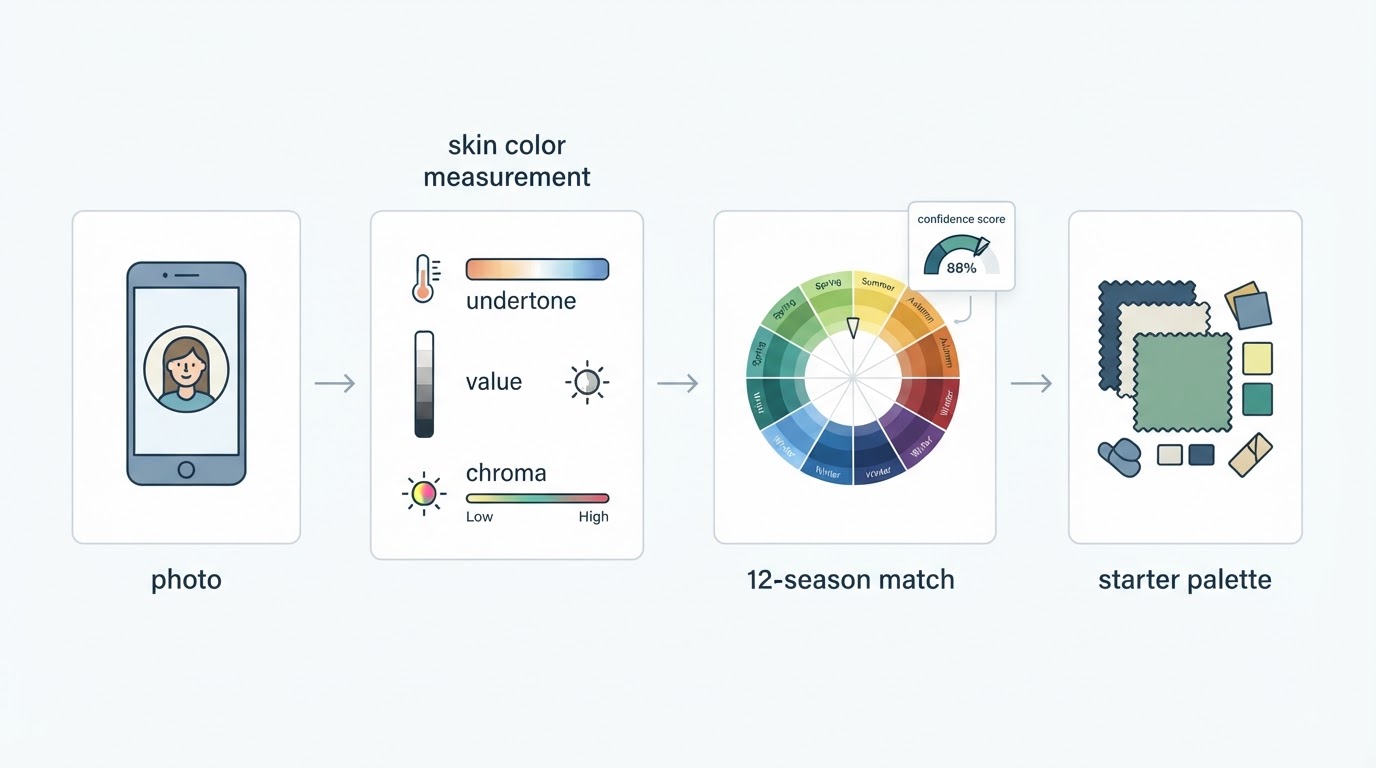
The sequence is short wherever you run it:
- You supply one photo of your face, ideally front-facing and taken in neutral light.
- The tool locates skin pixels and ignores background, hair, and eyes.
- It converts those skin values into color measurements and estimates undertone, value, and chroma.
- It compares the measurements with its season references and picks the closest match.
- It returns a season, usually with a confidence score and a small starter palette.
Tone & Fit is one product built around that flow: its iOS app centers on a 12-season result from a selfie, and its free browser analyzer measures skin color in a calibrated color space and returns a season with a confidence score and a few starter colors, with no account required. The company also publishes a free palette library with 72 hex-coded swatches across the 12 sub-seasons, which helps when you want to compare a result against actual color values instead of a label.
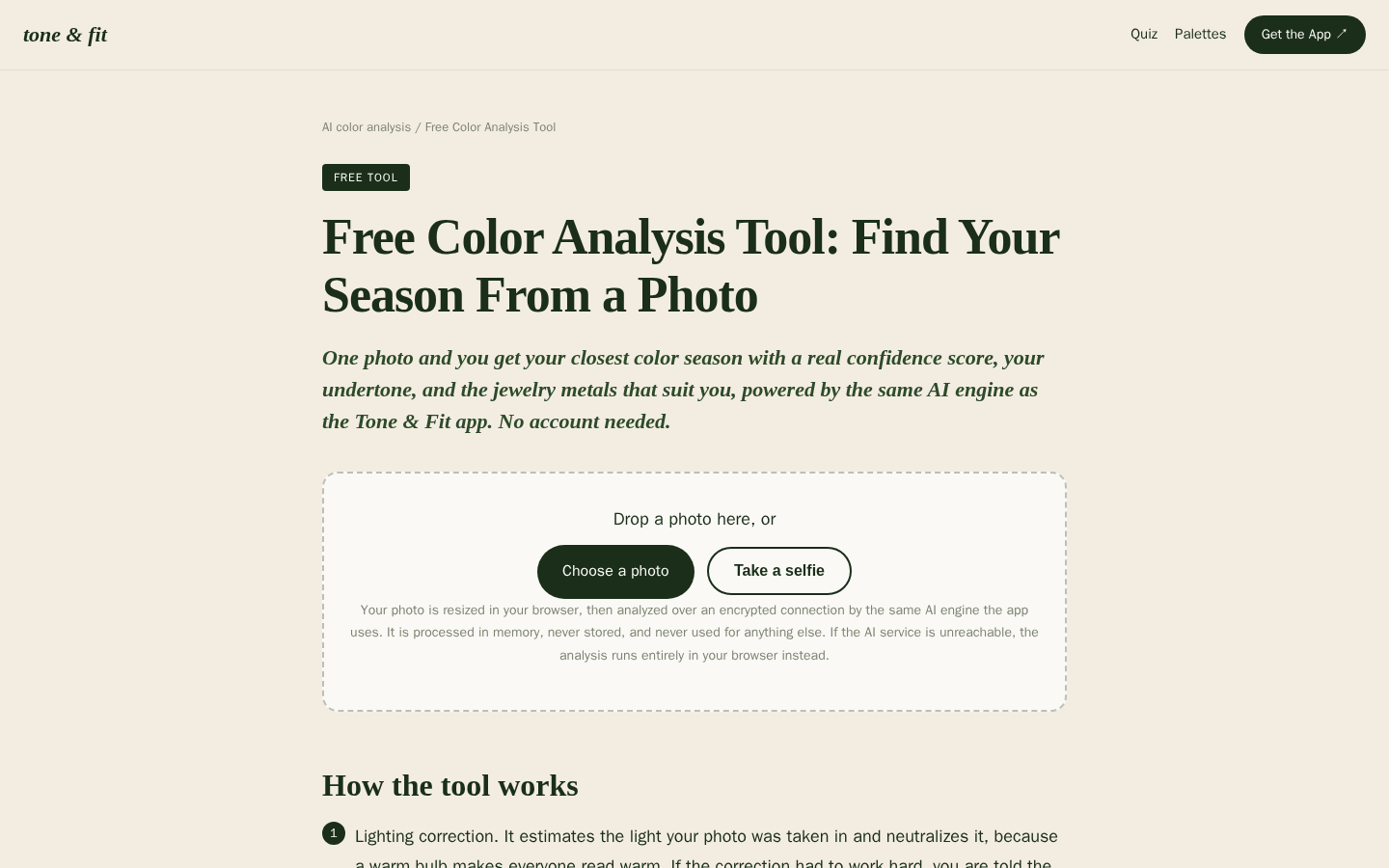
Desktop first-screen of the free web-based color analysis tool with photo upload drop zone, how-it-works steps, and privacy notes
The confidence score is the part worth understanding. It reflects how readable your photo was, not how flattering the answer is. A low score is a signal to retake the photo, not a reason to shop for a different season.
Why a selfie result can miss
Three inputs decide how much weight a photo verdict deserves: the light, the camera, and the photo itself.
Light color. A warm indoor bulb adds yellow to everything. Open shade adds blue. Mixed sources, like a window plus a lamp, can put two different casts on the two sides of your face in the same frame, which makes an undertone call unreliable.
Camera processing. Phones adjust white balance, contrast, and shadows automatically. HDR, night mode, and portrait smoothing all change skin tones before the analysis ever sees them. The same face photographed on two phones can produce two readings.
The photo you chose. Tinted moisturizer, bronzer, heavy foundation, colored contact lenses, freshly dyed hair, and a bright shirt just under your chin all sit between your skin and the measurement. So does a filter, even one that only looks like better lighting.
The boundary problem. Even a perfect photo captures one moment. Season boundaries are gradual, and adjacent sub-seasons sit close together, so a small measurement shift can change the label without anything being wrong with the tool or your skin.
How to take a selfie that gives a cleaner reading
Shoot in indirect daylight, keep your face bare, and turn off every filter.
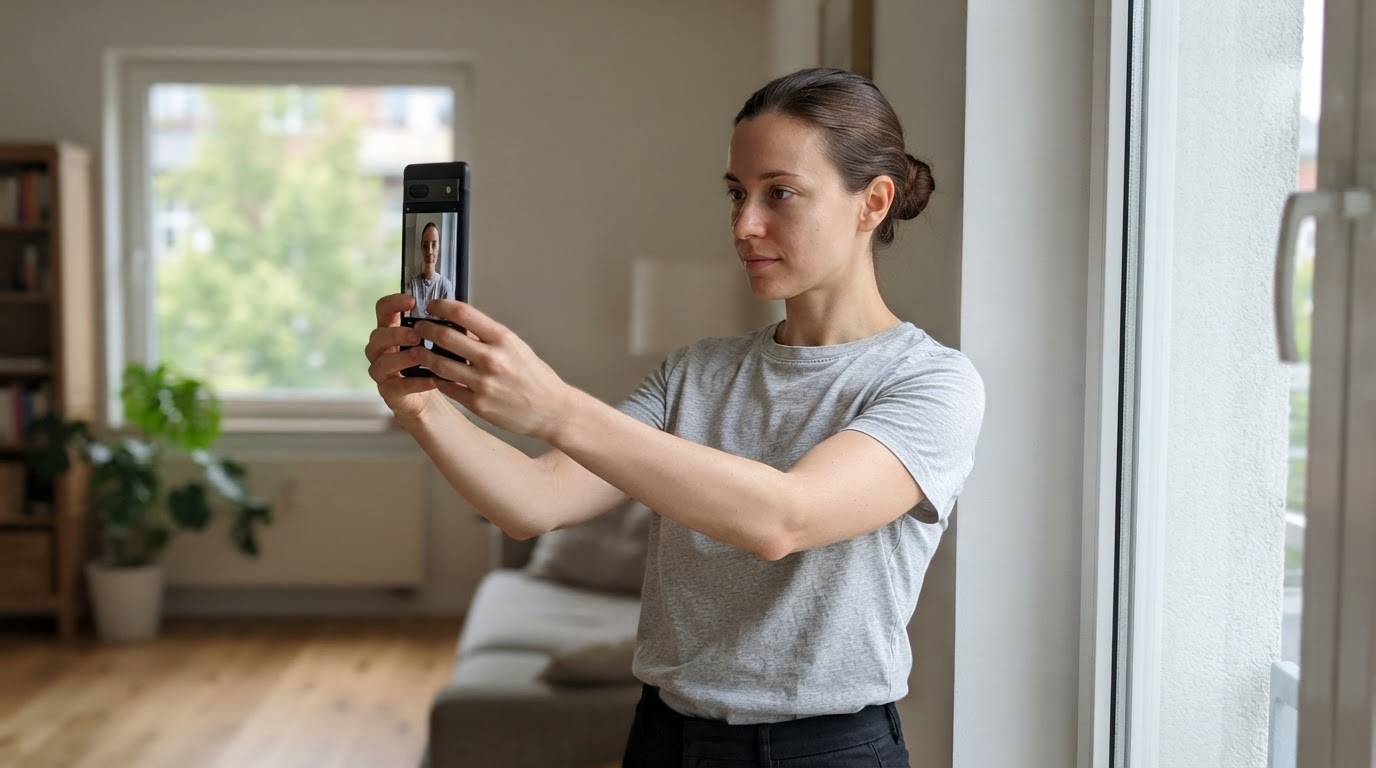
- Face a window, not the sun. Direct light creates highlights that read as lighter skin, and a colored lamp is worse.
- Skip makeup if you can, and at minimum skip tinted base, bronzer, and colored lip or eye products.
- Pull your hair back and cover colored clothing with a plain white or gray cloth.
- Take the photo at arm's length or use a stand, and keep strong shadows off your nose and jaw.
- Turn off beauty mode, skin smoothing, and filters in the camera app before you start.
- Take three photos: morning daylight, indoor evening light, and one in a different room. Compare the three results.
The completion check is straightforward. If two or three different photos return the same season with a decent confidence score, the estimate is stable enough to use. If the season flips between photos, the light is driving the result, so compare palettes instead of trusting a single label.
Photo analysis vs. in-person draping
They answer different questions at very different prices, and neither makes the other pointless.
In-person draping puts real fabric against your skin under controlled light while a trained analyst watches for the shift that separates a warm color from a cool one. It catches nuances a photo cannot, including how makeup, hair color, and fabric texture change the effect, and sessions are commonly priced in the $200 to $400 range.
Photo analysis costs little or nothing, takes seconds, and can be repeated as often as you like. It gives you a palette to shop against and a way to test colors you already own. What it cannot do is hold a drape next to your face or notice how your skin reacts as the next fabric comes up.
The honest split: use the photo verdict for direction and for small decisions, and use draping (professional or your own closet version) when a single expensive choice matters, like a wedding outfit or a coat you will wear for years. When the two disagree, neither is necessarily broken. A photo tool is reading pixel values; a draping session is watching reflected light on your skin.
Photo analysis vs. quiz-based color tests
A quiz asks what you think you look like. A photo tool measures pixels. Neither one is automatically right.
Quiz tests depend on self-report: the hair color you name, whether you say you burn or tan, which jewelry you prefer. If you answer with preferences instead of coloring, the result drifts toward what you like rather than what flatters you. Photo tools get actual color values but can still be thrown by the light and the camera.
The practical difference is what you can check afterward. A photo result comes with a palette and sometimes a confidence score, so you can compare it against colors you already know work on you. A quiz result usually cannot be checked except by trying colors in a mirror.
If two methods disagree, treat it as a boundary signal. Adjacent sub-seasons are close enough that two honest measurements can land on different labels while describing similar palettes.
When to trust the verdict before you buy
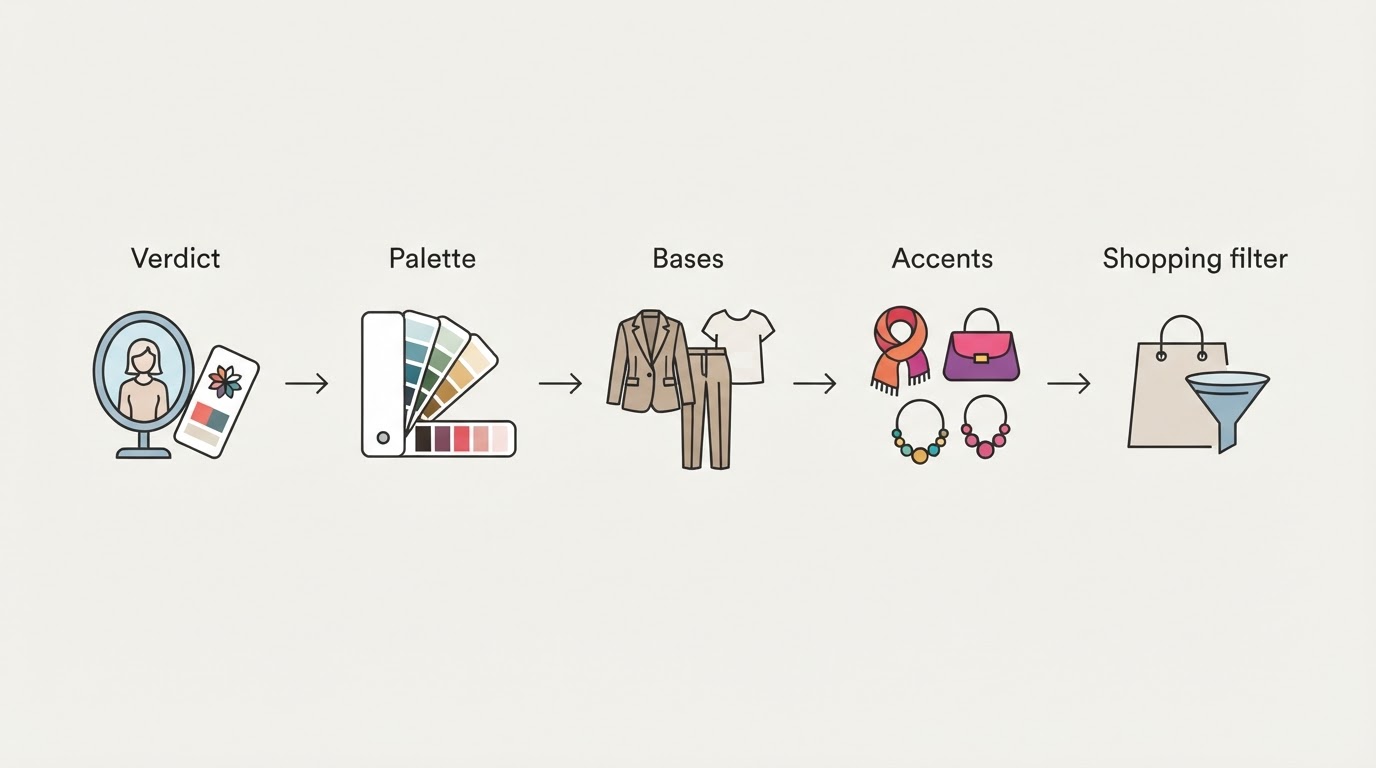
Trust a season verdict for direction. Test it on the specific garment before you spend.
- Use the palette as a filter, not a ruling. Sort what you own and what you are considering into in-palette, near-palette, and avoid.
- Check the returned palette against colors that already work on you and a couple that wash you out. When two or three in each group match, the estimate is pointing the right way.
- For a single purchase, hold the fabric under your chin in daylight and watch your skin. Even color and brighter eyes mean yes; grayness, shadows, or a tired look mean no.
- If the verdict sits between two adjacent sub-seasons, buy across both palettes. The colors they share are the safest purchases.
- Read the confidence score as a strength meter. High confidence plus a palette check is enough to steer a shopping list. Low confidence means retake the photo or get a second opinion before a big spend.
The free tier is a reasonable place to start: a starter result is enough to see whether the method gives you useful answers, and the paid upgrade can wait until the free palette has proven itself on colors you already own.
Does a selfie color analysis work for men?
Yes. The same three measurements apply, and menswear gives you fewer decisions to test them on.
Suits, shirts, ties, denim, and outerwear all come back to the warm-versus-cool question. A cool-leaning wardrobe and a warm-leaning one differ mainly in which blues, browns, and grays you reach for. Beard and hair color count toward your contrast, so changing them can shift the reading slightly, which is another reason to repeat the photo check after a big change.
The test is the same one from the shopping section: hold the tie or shirt against your face in daylight and watch whether your skin evens out or goes gray. No separate menswear method is needed, just clothing choices that make the palette check easy.
Frequently asked questions
Short answers to the questions this topic raises.
Are free color analysis tests worth trying?
Yes, if they work from a photo rather than a handful of questions. A free scan costs nothing and gives you a palette hypothesis you can test against clothes you already own. Expect a starter result rather than the full palette, and judge it by whether the colors look right on your skin, not by whether the season label matches what you hoped for.
Do I have to upload a photo?
For photo-based analysis, yes, the tool needs an image to measure. The privacy questions worth asking are what happens to it next: whether it is stored, who can see it, and whether it is used for training. Look for a tool that states the photo is processed in memory and never stored. Tone & Fit, for example, describes its web analyzer that way.
What does a consultant add that an app cannot?
Real fabric in controlled light and a trained eye watching dozens of colors in one session. A consultant can also see how your makeup, hair color, and the boundary between adjacent sub-seasons change the answer. An app can measure color from a photo, but it cannot hold a drape to your face or notice the shift when a slightly cooler green enters the frame.
Can an app tell my season if I am wearing makeup?
A strong makeup look can pull the reading toward the makeup's temperature, especially a warm bronzer or a cool-toned lip. For the most reliable photo, take it bare-faced. If you always wear similar makeup, a light application may leave the season unchanged, but heavy contour or colored lipstick can move it.
Disclosure: this guide is published by the team behind Tone & Fit, the app and free analyzer described above, so treat that product example as a first-party reference rather than an independent review.